
AI News Autopilot: Smart Automation for News Aggregation and AI Rewriting in WordPress
round-the-clock editorial team. AI News Autopilot from MediaServe Code offers full automation, complete operational cont...
Read article →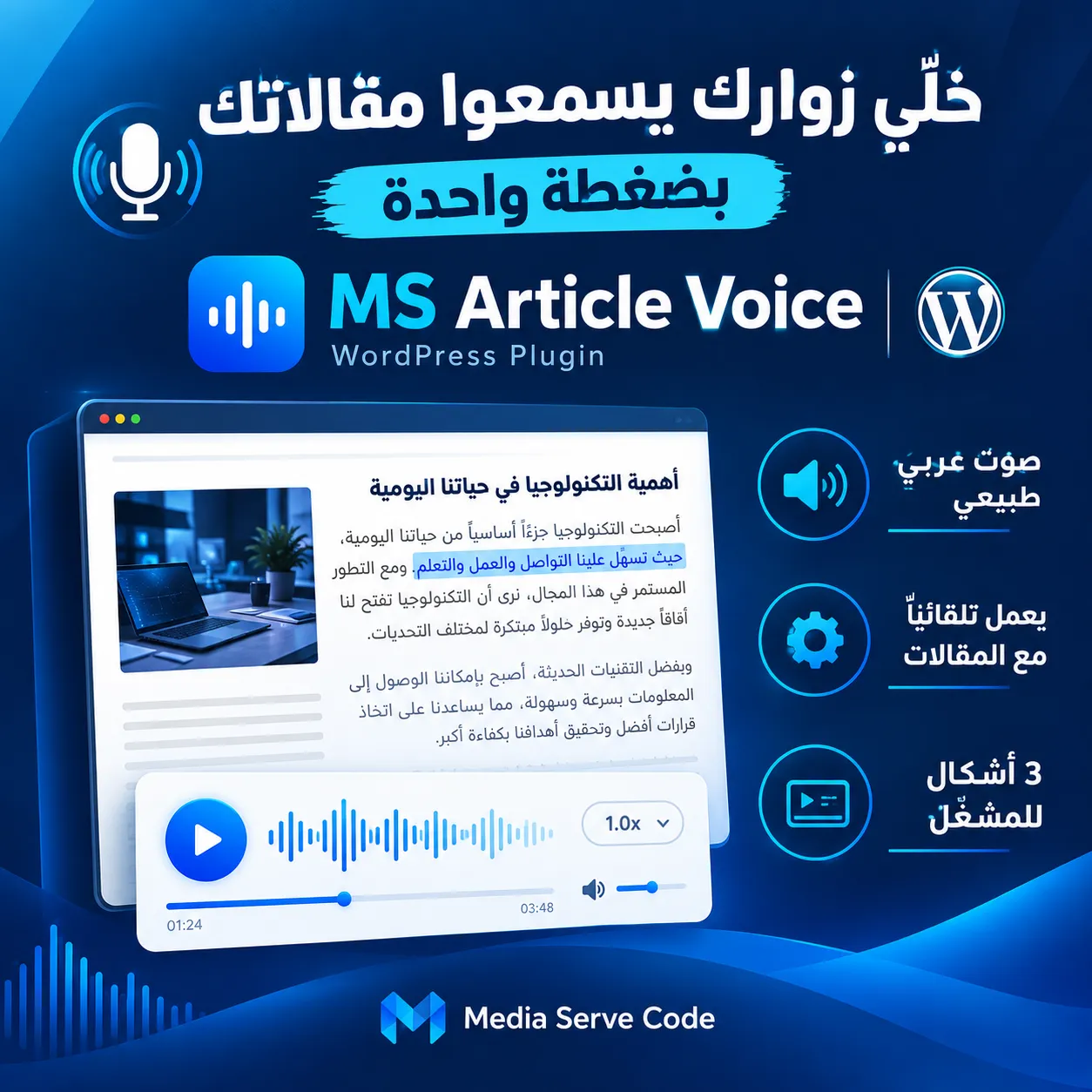
5 Reasons to Add Audio Reading to Your News Website | MS Article Voice
Audio reading for news websites is no longer a luxury. Many major publishers place a “Listen to this article” button on every story because they know readers want to choose how they consume content: with their eyes or their ears. If your site runs on WordPress, you can offer the same experience in minutes with MS Article Voice.
To improve user experience on WordPress, speed and design are only part of the story. Giving visitors choices matters too. A listen button lets them follow your article while driving, cooking, or moving between tasks, opening up reading moments that didn’t exist before.
The plugin adds practical touches:
Accessible web content is a mark of a quality site. Not every reader is comfortable with long on-screen text, whether due to eye strain, low vision, or reading difficulties. Audio opens your articles to them with no extra effort on your side.
Some people simply prefer audio to text. By offering a listen option, you serve that audience and stand out from the many sites that don’t. With AI voices in Egyptian, Saudi, Emirati, Jordanian, and English via Azure or Google, you can offer the voice closest to your readers.
A clean audio player at the top of your article signals a modern site that cares about reader comfort. MS Article Voice lets you choose the player style (bar, card, or minimal), your brand colors, and your own button text.
Site owners worry about cost and speed. This is where the plugin shines:
Requirements: WordPress 5.8+ and PHP 7.4+. The dashboard fully supports Arabic (RTL) and English.
A single-site lifetime license for $39, including all features, automatic updates, and support.
Is audio reading suitable for small blogs?
Yes, especially with the free browser voice that works with no setup.
Can I hide the player on certain posts?
Yes, on a specific post or on short articles.
Can I generate audio for my older posts?
Yes. From the Articles table, you can generate audio for all posts in one go.
Audio reading gives your site a better experience, wider accessibility, and a more professional image, all at low cost and with little impact on performance. If you want a quick way to add it to WordPress, MS Article Voice is a practical choice.

round-the-clock editorial team. AI News Autopilot from MediaServe Code offers full automation, complete operational cont...
Read article →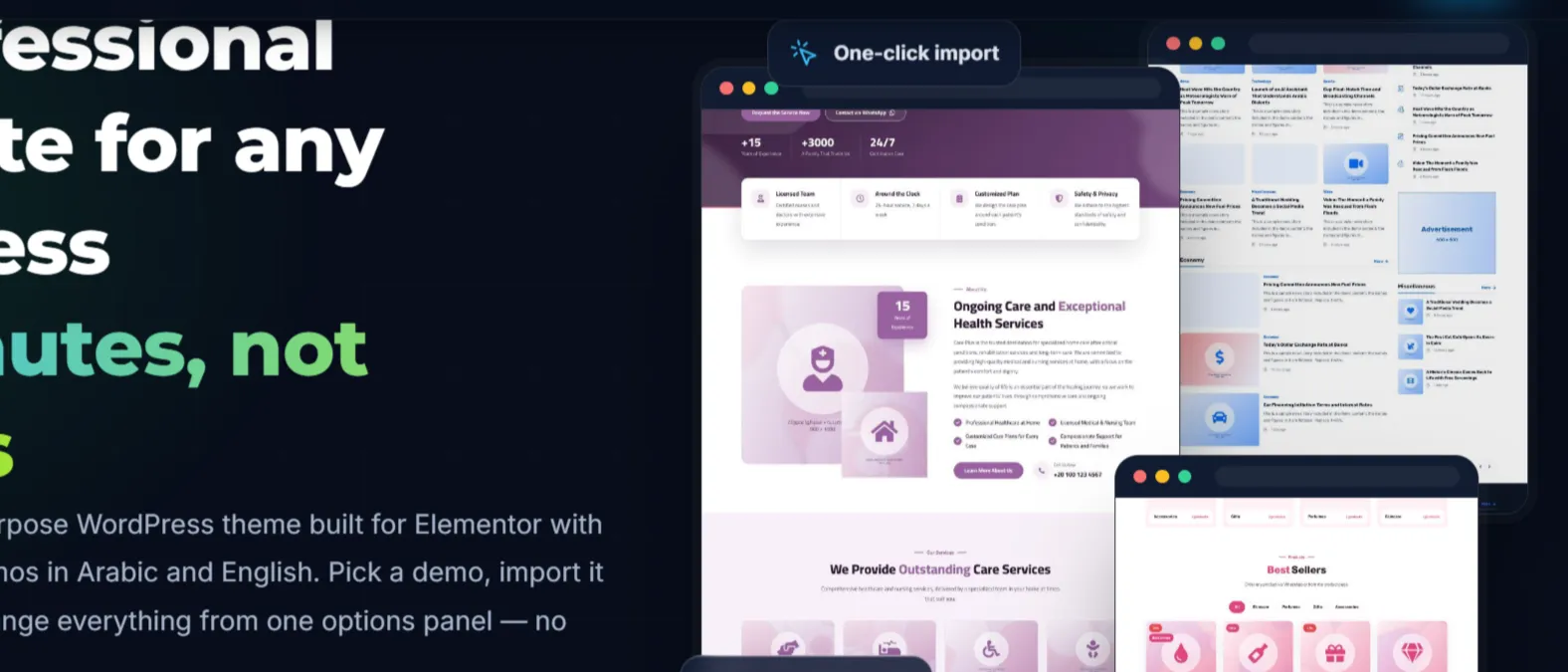
MS Sila: A versatile WordPress theme for Elementor featuring 44 ready-made layouts (Arabic and English), one-click impor...
Read article →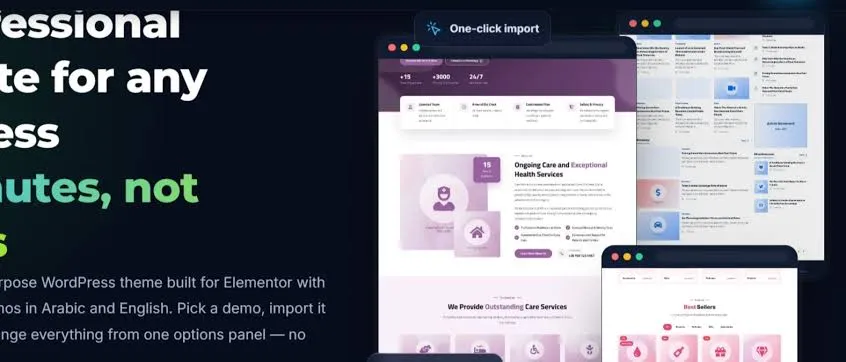
Sila WordPress Theme: 44 Arabic & English Demos
Read article →No comments yet — be the first!