
AI News Autopilot: Smart Automation for News Aggregation and AI Rewriting in WordPress
round-the-clock editorial team. AI News Autopilot from MediaServe Code offers full automation, complete operational cont...
Read article →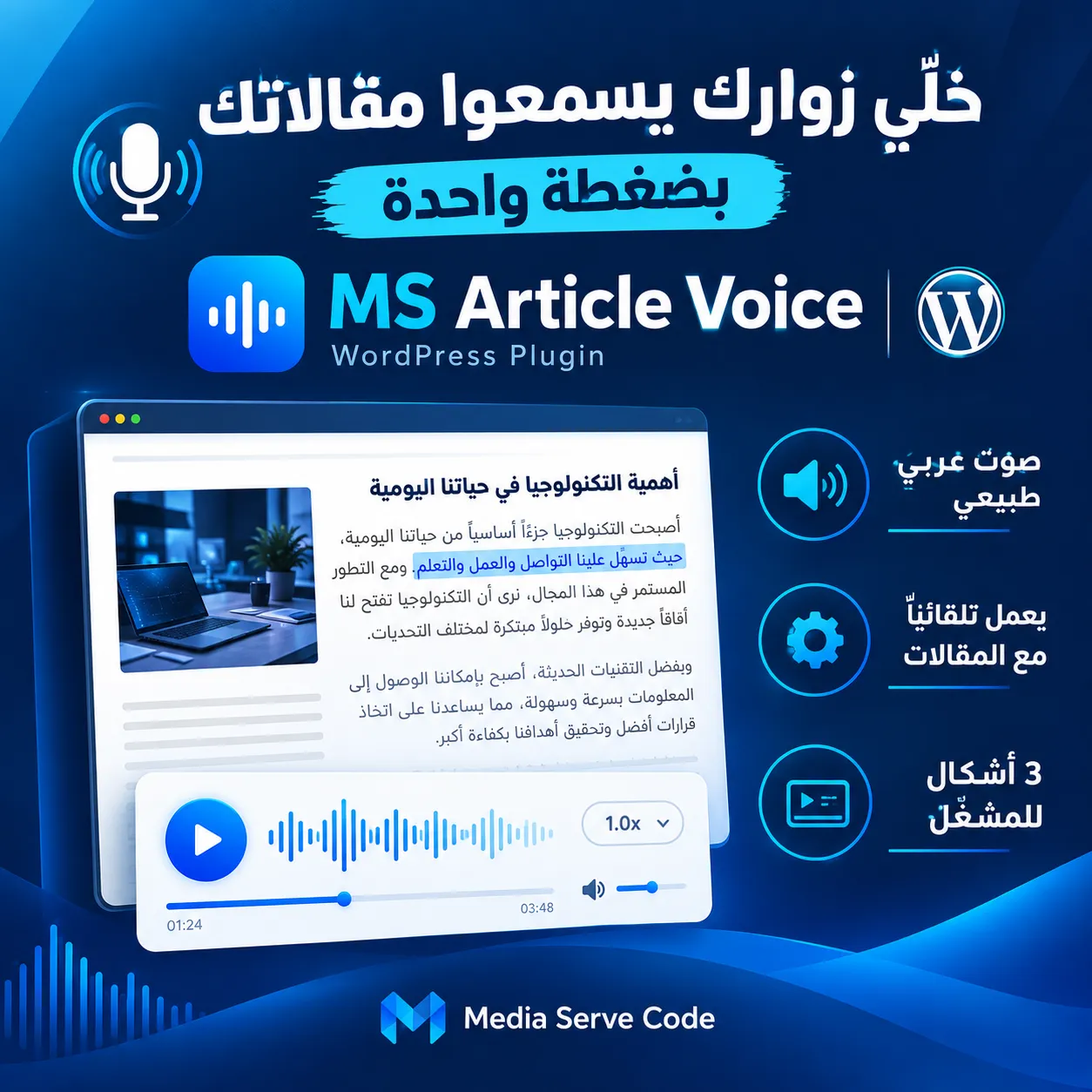
Natural Arabic Voice for Articles: Choose the Right Dialect for Your Audience
The Arab audience is diverse, and the dialect a reader hears shapes how close they feel to your site. So when you add a natural Arabic voice for articles on WordPress, choosing the dialect is a real decision, not a minor detail. This guide explains how to pick the best fit for your audience and how to set it up easily with MS Article Voice.
When you enable AI voice through Microsoft Azure or Google Cloud, voices are available in:
The exact voice list depends on what Azure and Google offer, so preview the sample inside the plugin before saving.
1. Look at your real audience. Check your analytics (Google Analytics, for example) to see which countries bring most of your visitors, then pick the dialect of the leading one.
2. Consider your content type. News and formal content suit a calm, clear voice, while lifestyle or youth content can handle a voice closer to everyday speech.
3. Balance reach and specificity. If your audience is spread across many countries, choose the voice most widely understood. If you target one market, a local dialect builds a stronger connection.
4. Test before you commit. The plugin lets you hear a sample before saving, so try several voices and ask a few readers what they think.
Browser voice is free, unlimited, and works with no setup, with the plugin picking the best Arabic or English voice on the visitor’s device. But it varies from device to device, so you don’t control the dialect or quality. It’s a great starting point, and you can move to AI voice once you want a consistent audio identity.
The plugin helps you stay safe: audio is generated once per article, editing a paragraph regenerates only the changed section, and you can set a monthly character cap. Once it’s reached, new posts use the browser voice until next month.
[ms_article_voice]The plugin is lightweight: one small deferred JS file and one small CSS file, loaded on article pages only. Audio loads only when a visitor presses play, and your article text stays unchanged for search engines. It’s compatible with caching plugins.
A single-site lifetime license for $39, including automatic updates and support. Requirements: WordPress 5.8+ and PHP 7.4+.
Can I use different dialects for different posts?
The plugin uses one voice for all visitors from the voice source you choose in settings, and you can change it anytime.
Are English articles read too?
Yes, the plugin supports both Arabic and English.
Do I need technical skills to set up Azure or Google?
One step is enough: create a free account and paste the key into the plugin, then preview a sample before saving.
The right dialect makes a natural Arabic voice for articles feel closer and more convincing to your audience. With MS Article Voice, you can start with the free browser voice and move to the voice that suits your readers when you’re ready.
👉 Choose your site’s voice with MS Article Voice, $39 lifetime

round-the-clock editorial team. AI News Autopilot from MediaServe Code offers full automation, complete operational cont...
Read article →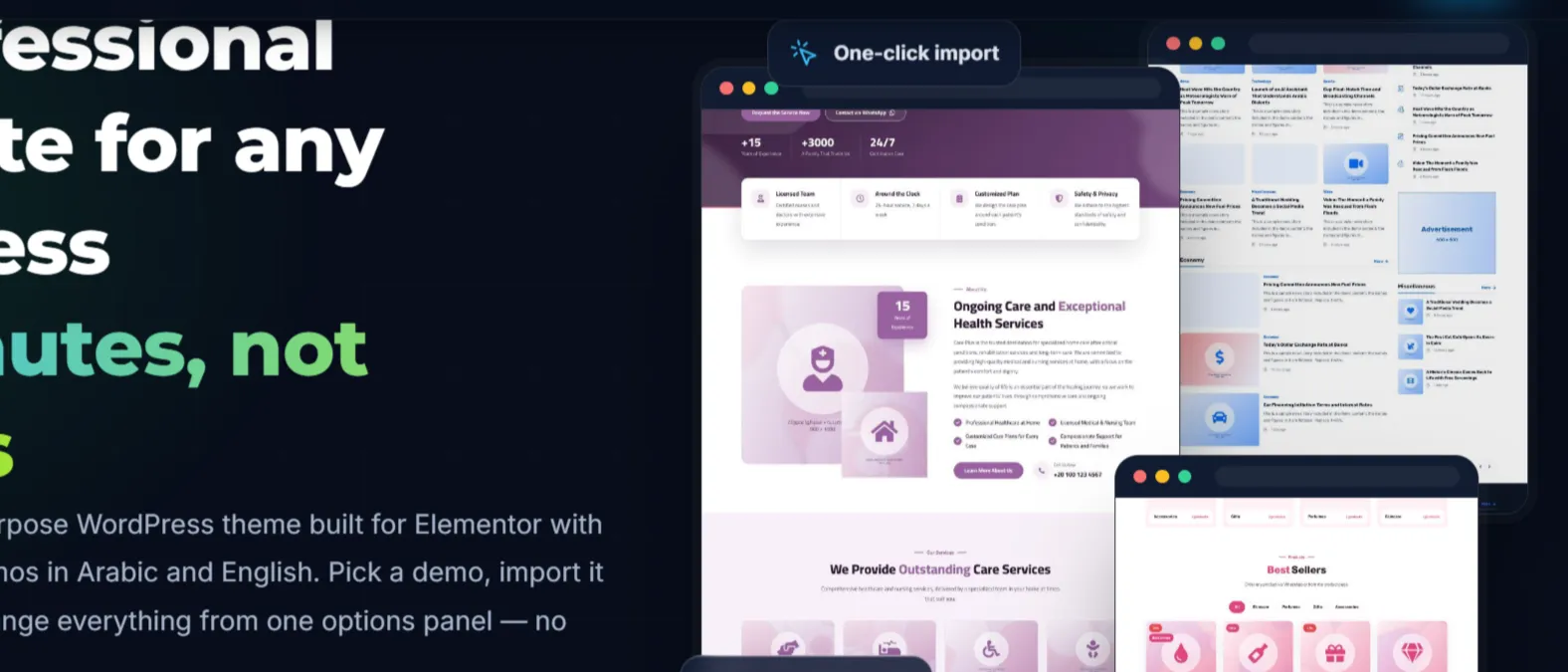
MS Sila: A versatile WordPress theme for Elementor featuring 44 ready-made layouts (Arabic and English), one-click impor...
Read article →
Sila WordPress Theme: 44 Arabic & English Demos
Read article →No comments yet — be the first!